Index of /FlightGear/misc/Celestial_navigation_in_fgfs
Name Last modified Size Description
Parent Directory 04-Aug-2010 15:02 -
COPYING 30-Jul-2007 11:23 18k
Short_Empire_FG2.0.0.tar.gz 13-Aug-2010 21:13 1.3M
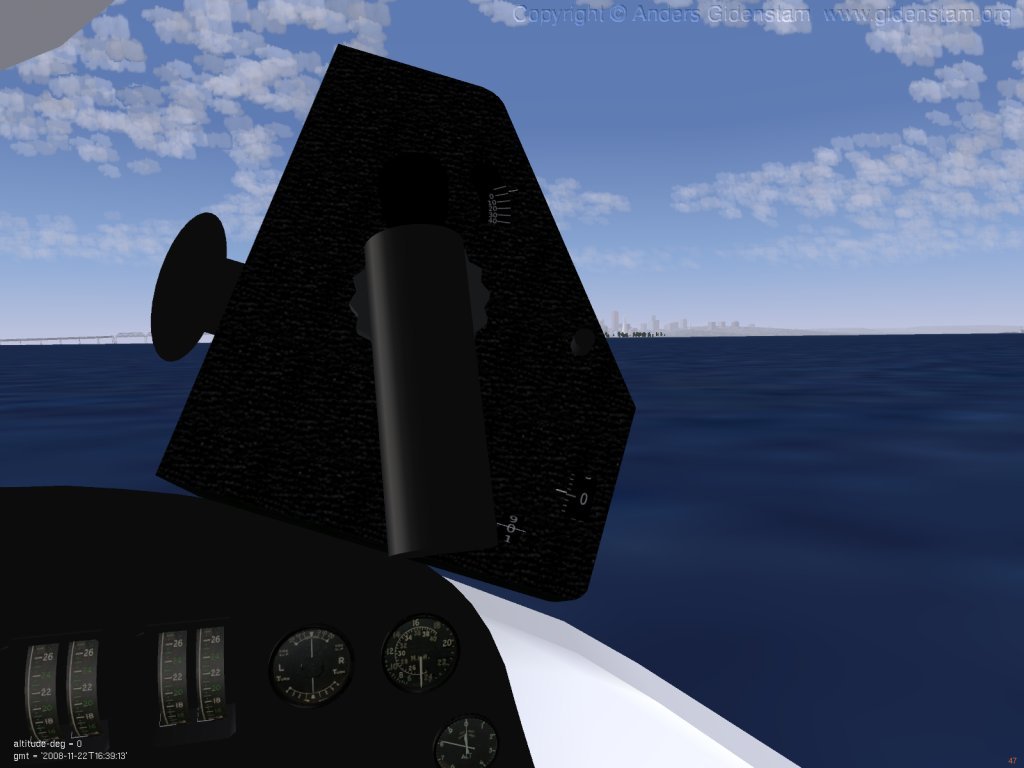
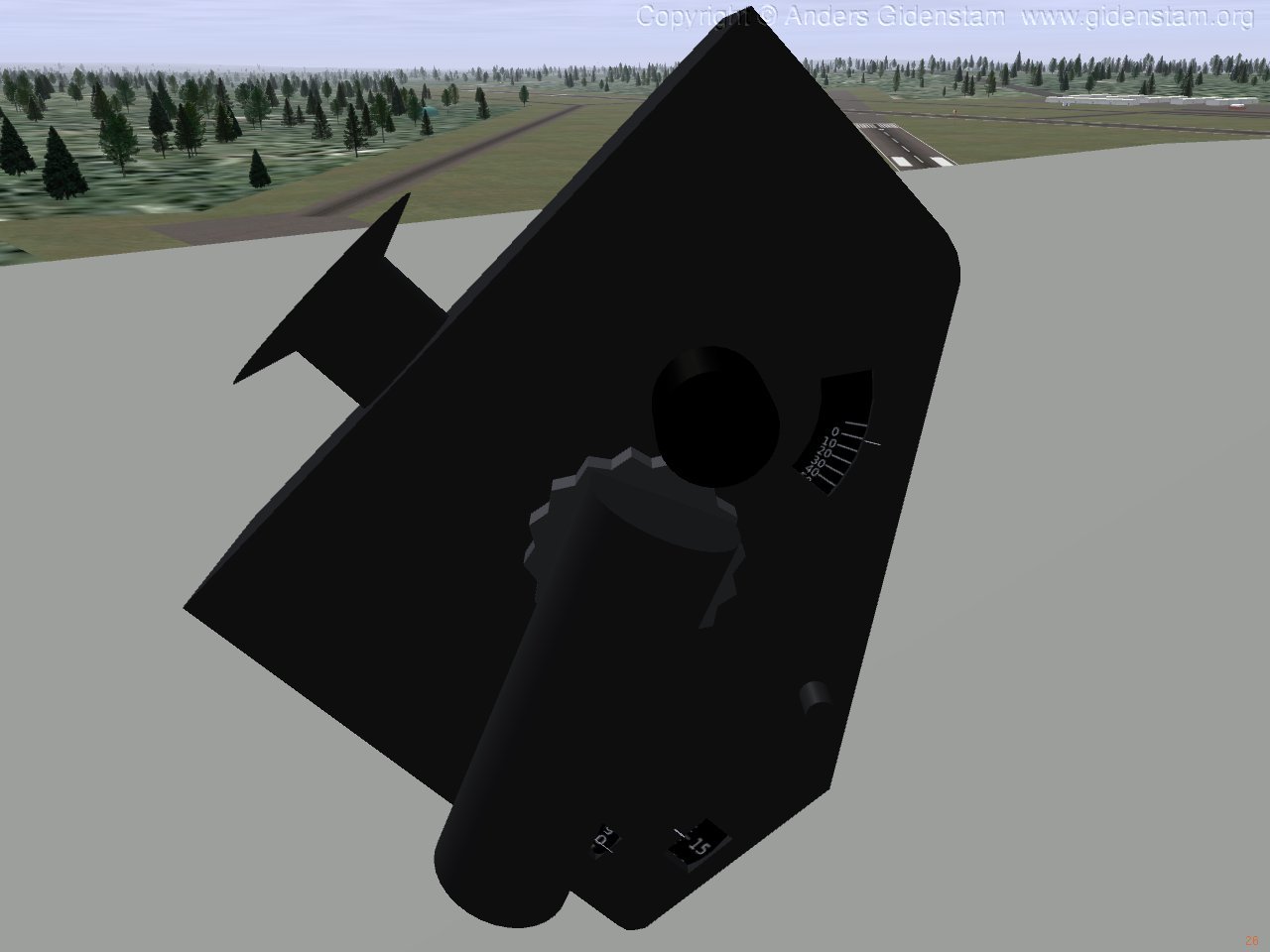
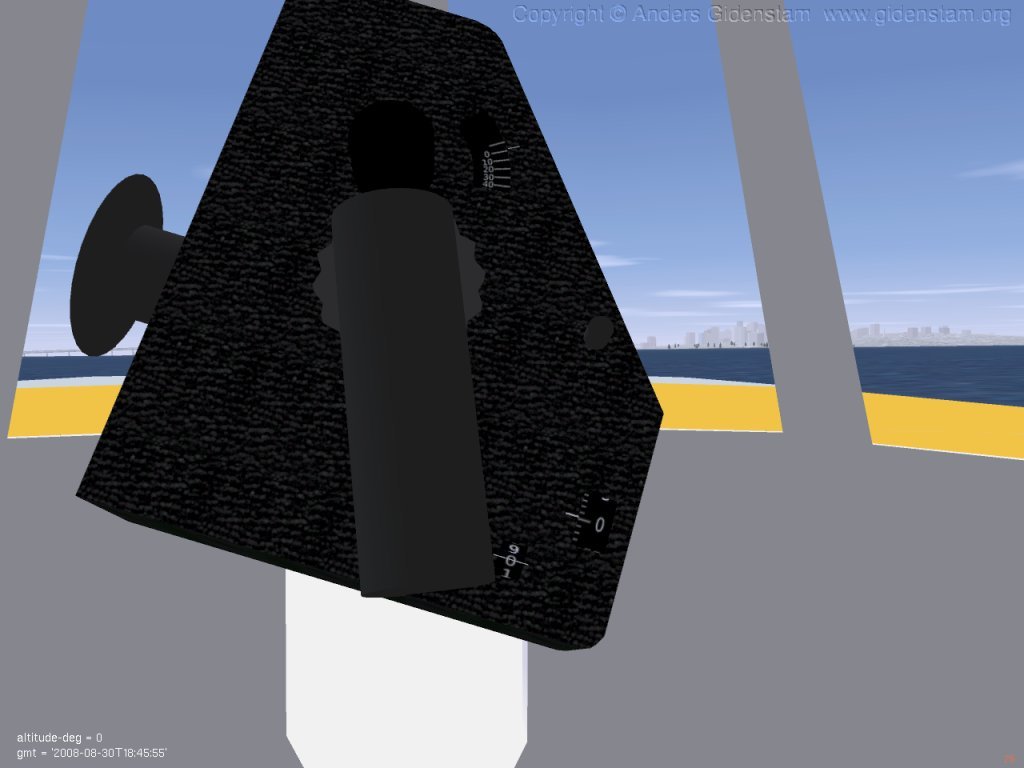
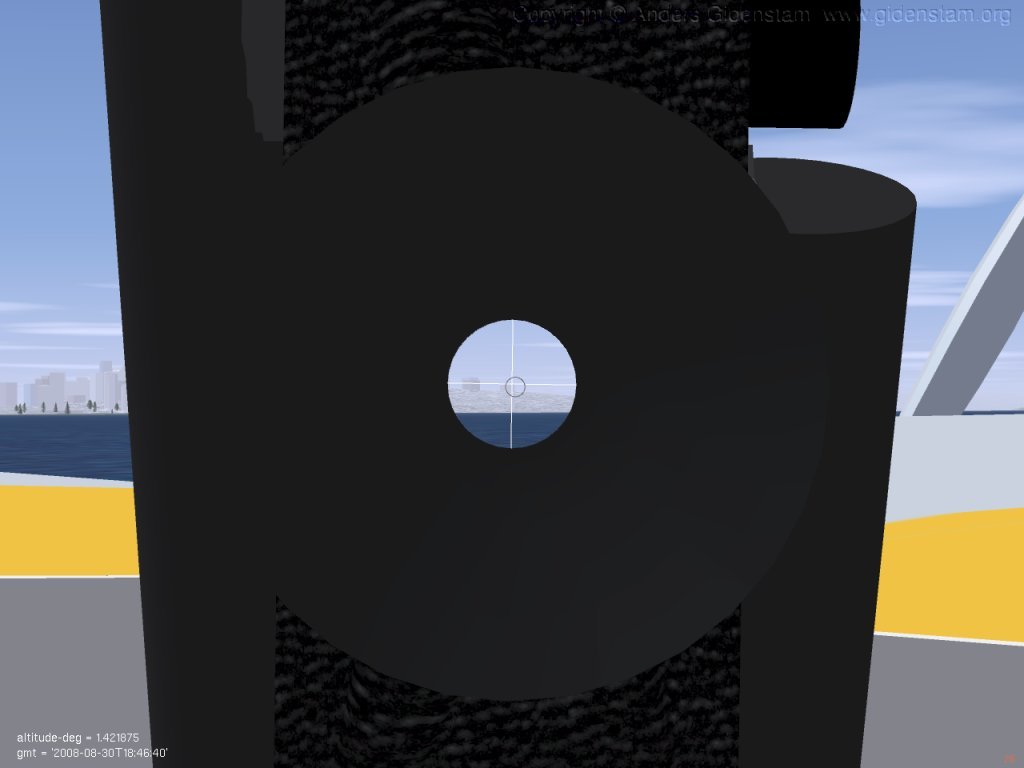
fgfs-Empire-538.jpg 22-Nov-2008 22:52 69k
fgfs-RAFmk9-505.jpg 22-Nov-2008 22:48 72k
fgfs-RAFmk9-506.jpg 22-Nov-2008 22:48 66k
fgfs-RAFmk9-507.jpg 22-Nov-2008 22:48 43k
old/ 17-Aug-2010 09:50 -
Celestial Navigation in FlightGear
----------------------------------
Copyright 2007 - 2010 Anders Gidenstam
* These programs are free software; you can redistribute them and/or modify
* them under the terms of the GNU General Public License as published by
* the Free Software Foundation; either version 2 of the License, or
* (at your option) any later version.
*
* This program is distributed in the hope that it will be useful,
* but WITHOUT ANY WARRANTY; without even the implied warranty of
* MERCHANTABILITY or FITNESS FOR A PARTICULAR PURPOSE. See the
* GNU General Public License for more details.
*
* You should have received a copy of the GNU General Public License
* along with this program; if not, write to the Free Software
* Foundation, Inc., 59 Temple Place, Suite 330, Boston, MA 02111-1307 USA
Yes, the stars on the night sky in FlightGear can be used for navigation.
This short text gives a hint to how it is done. The references explain it
much better, though, so have a look there both for introduction and more
advanced topics.
Part 0 - Installing the tools: 3d bubble sextant model for FlightGear
---------------------------------------------------------------------
NOTE:
This instrument is available as part of the Short_Empire aircraft
in FlightGear/git since 2010-08-02.
For FlightGear 2.0.0 the recommended way to install this instrument is to
install the 2.0.0 back-port of the Short Empire:
http://www.gidenstam.org/FlightGear/Celestial_navigation_in_fgfs/Short_Empire_FG2.0.0.tar.gz
If you intend to use the Short Empire aircraft you can skip ahead
to Part 1 right away.
The old archive with this instrument available in the old/ directory
here works in FlightGear 2.0.0 and probably 1.9.1. It is installed like
this:
- Unpack RAF_Mk9_bubble_sextant.tar.gz in Aircraft/Instruments-3d/ .
Not needed if using FlightGear/git or the Short_Empire for 2.0.0.
Adding the RAF mk9 bubble sextant to an aircraft:
(If you are using the old package the below is not completely accurate.)
- The bubble sextant 3d model RAF_Mk9_bubble_sextant.xml need to be
loaded from the aircraft 3d model file and placed at the center of
the view it is intended to be used from. For example for a view located
2.5 meter behind and 2.0 meter above the aircraft origin:
(Note that any offsets of the main 3d model needs to be accounted for
in translating the view position to a 3d model position and that the
axes order differs.)
<!-- Star observer's instruments -->
<model>
<name>Bubble_sextant</name>
<path>Aircraft/Short_Empire/Instruments/BubbleSextant/RAF_Mk9_bubble_sextant.xml</path>
<offsets>
<x-m> 2.50 </x-m>
<y-m> 0.50 </y-m>
<z-m> 2.00 </z-m>
</offsets>
</model>
- The Nasal module needs to be loaded from the main aircraft -set file.
The name of the view in which the sextant will be used and
the stowed (= inactive) location of the instrument needs to be set.
The stored location is specified in a frame axis parallel with the
aircraft frame but centered at the location given for the sextant
3d model in the 3d model file.
For example:
<nasal>
<RAFmk9sextant>
<file>Aircraft/Short_Empire/Instruments/BubbleSextant/RAF_Mk9_bubble_sextant.nas</file>
<script>
var VIEW_NAME = "Copilot View";
var STOWED = { position : {x:-0.3, y: 0.0, z: -0.2},
orientation : {heading : 320.0,
pitch : -45.0,
roll : 0.0}
};
</script>
</RAFmk9sextant>
</nasal>
- To allow fine control of the sextant using the mouse add the following
XML snippet to the aircraft's -set file.
It binds moves movements in mode 0/pointer mode to the sextant.
alt + move mouse - precision movement of view direction.
alt + shift + move mouse - up/down changes the altitude setting of the
sextant.
- left/right tilts the sextant to align with
the horizon.
<input>
<!-- Install the sextant controls in mouse mode 0. -->
<mice n="0">
<mouse n="0">
<mode n="0">
<x-axis>
<binding>
<command>nasal</command>
<script>
RAFmk9sextant.mouseX();
</script>
</binding>
</x-axis>
<y-axis>
<binding>
<command>nasal</command>
<script>
RAFmk9sextant.mouseY();
</script>
</binding>
</y-axis>
</mode>
</mouse>
</mice>
</input>
To correctly measure the altitude of a heavenly body the instrument
must be level, i.e. the bubble must be centered.
The instrument is configured for an aim-then-level method, i.e.
one first center the view on the desired object then change the altitude
and tilt settings until the instrument is level. (I.e. changing altitude
behaves as if the user changes the setting and rotates the instrument so
that it remains aimed in the same direction).
NOTE: Tilting of the instrument might still be somewhat buggy.
Part 1 - Taking sextant sights in FlightGear
--------------------------------------------
What is needed?
- The celestial altitude (~angle from the horizon) for some (at least 2)
stars and the precise time of observation.
How?
- Pick up the sextant by clicking on either of its handles.
- Enter the sextant view by clicking on the sextant eye piece.
- Obtain a bubble by turning the bubble knob on the left side of
the instrument. It is possible to reach the bubble knob while in
the sextant view.
- Aim the center of the view on the star. Alt + move mouse in pointer mode
enables high precision view rotation.
- Level the instrument. This is done by changing the altitude setting,
first in 10 degree steps by the coarse motion knob on the right side
of the instrument (reachable also while in sextant view) and then
with the slow motion knob (or alt+shift+move mouse up/down).
Tilt the instrument (alt+shift+move mouse right/left) as needed to
center the bubble.
In the real instrument it is enough to put the object in the center
of the bubble (within some limits). However, that is not likely to
work in FlightGear yet so you should center both the bubble and
the object in the view.
- Time + celestial altitude constitutes a sighting. Make sure that
the instrument is level and aimed at the star when you note the time
and altitude.
- It appears that altitude correction tables are not (absolutely) needed
in FlightGear (though it seems the horizon effect ought to affect the
altitude of objects close to the horizon).
In a brief test, shooting only Alkaid and Alioth, I got an error of
some 40km which doesn't seem that great but OTOH I don't quite know what
to expect :)
But where are those darn stars?
- I use the star charts around page 256 in "The American Practical Navigator",
http://www.nga.mil/MSISiteContent/StaticFiles/NAV_PUBS/APN/pub9.zip
to find some. For me the ones in Ursa Major was easiest to find (though
one should use a wider spread).
Suggestion (northern hemisphere):
* Dubhe (Right upper corner star of the Ursa Major "wagon".)
* Alkaid (Third and last (leftmost) star in the Ursa Major "wagon" handle.)
* Arcturus (Brightest star found to the "left" of Alkaid just below the
extended line between Alkaid and the star immediately to the
right in the Ursa Major "wagon" handle.
See star chart in [Bowditch] page 256.)
Part 2 - Computing a position
-----------------------------
The Intercept method
- Assume a position. It should be close to ones actual position - usually one
has a dead reckoning position to start from. (The assumed position need
not be equal to the DR one - one can choose a more convenient one e.g.
when using tables.)
- Compute the expected locations of the observed stars for
that position.
Use a program/website, like http://www.tecepe.com.br/cgi-win/cgiasvis.exe ,
or a Nautical Almenac + tables.
- Compare the observed star locations with the computed ones.
This gives a position line for each star. Plot the position
lines to (hopefully) get a fix.
Further info and plotting sheets: http://www.efalk.org/Navigation/
References
----------
http://www.celestialnavigation.net/
Good place to start.
http://www.efalk.org/Navigation/
Intercept method tutorial and downloadable plot sheets.
http://www.ludd.luth.se/users/kavli/peck_celestial/space.html
Longer tutorial and description. Focuses on the use of tables for sight
reductions.
http://www.tecepe.com.br/cgi-win/cgiasvis.exe
Computes star locations. Use instead of tables.
[Bowditch]
"The American Practical Navigator",
http://www.nga.mil/MSISiteContent/StaticFiles/NAV_PUBS/APN/pub9.zip
For those that really really want to learn it all :)
RAF Mk9 bubble sextant manuals and more information
http://www.users.bigpond.com/bgrobler/sextant/RAF_Mk9_manual.pdf
http://www.users.bigpond.com/bgrobler/sextant/sextant.html
http://www.physics.uq.edu.au/physics_museum/bblsex.html